 Chartly
 and TradingView for charting and replay
Compare the tools you would use for charting, testing a strategy, and reviewing trades. Start with the kind of testing you want to do and where your market data comes from.
This guide describes the self-hosted app. The public preview lets you try sample paper replay in your browser.
Manual replay and scripted strategy tests
TradingView documents Bar Replay for working through historical bars and Pine Script strategies for simulated backtesting and forward testing. Chartly’s paper replay is designed for manual tests. Import saved candles, step forward, enter simulated orders, and review the run.
Market data and account setup
Chartly is self-hosted and uses saved candles or supported feeds. On Windows it can link to a signed-in MT5 terminal for account views and broker symbols. For TradingView, consult its documentation for the symbol, historical coverage, or broker you need.
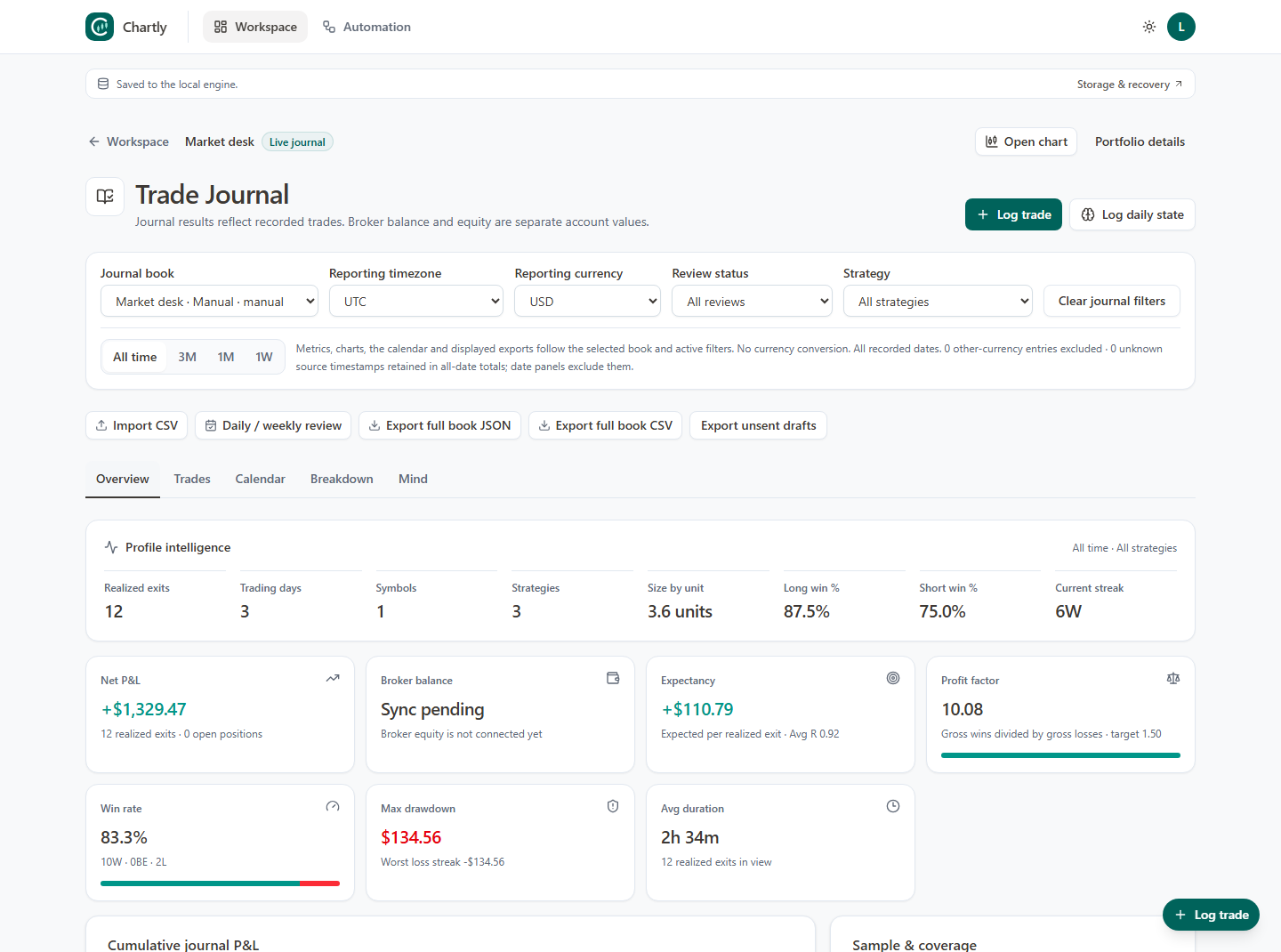
Review a trade from its journal
In Chartly, keep a journal book per account, import a statement or record trades manually, and open an individual trade on its chart. Compare the selected books in Combined Analysis when you want to review several portfolios.